TL;DR (Quick Start)
- Use Case: You only want to translate a word/phrase/short text, not full text translation.
- Core Operation: Long press to select text -> Choose Eudic Dictionary/Youdao Dictionary in the text selection toolbar -> View translation results.
- Alternative: If you need bilingual reading, consider userscripts (see “Related Reading” at the end).
Starting from version 4.0, the author removed the instant translation feature, mainly because the translation API used had some stability issues. Using third-party apps can still achieve the same effect, making the browser’s built-in instant translation feature somewhat redundant. Below we introduce how to implement instant translation through third-party apps.
Preparation
There are many translation apps available, and it’s easy to share text content to third-party software for translation on Android systems. Based on the author’s experience, the most convenient apps to use with X Browser are Eudic Dictionary and Youdao Dictionary.
Usage
When browsing English websites, some users with English basics prefer to read the original text rather than full translation. When we encounter an unfamiliar word or phrase, we can use dictionary apps to assist with translation.
1. Select Text in X Browser
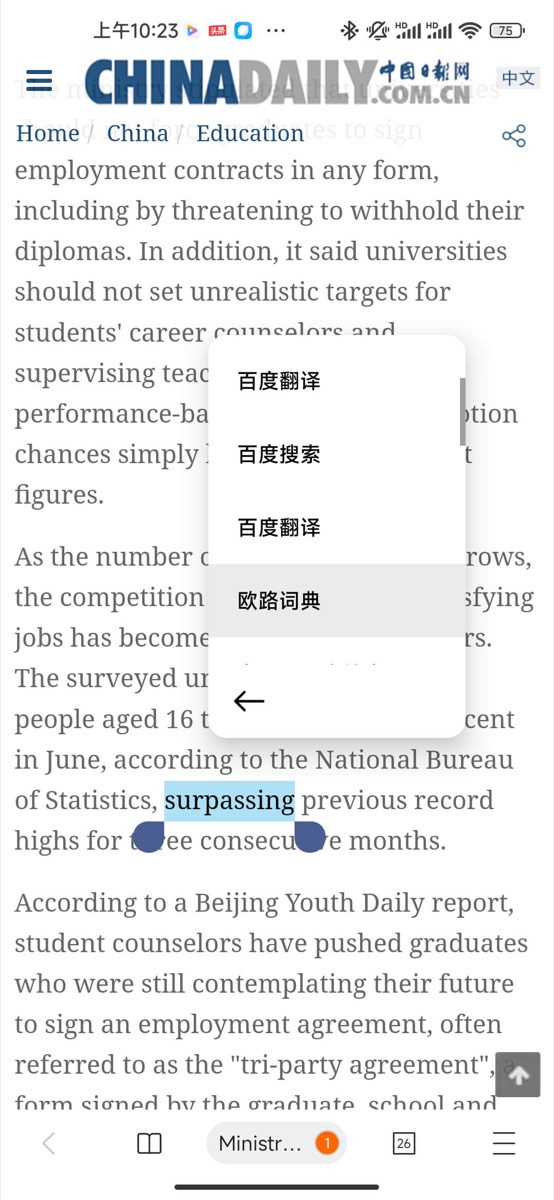
Long press on text in an article in X Browser, and the browser will enter text copy/selection mode. Select the text you want to translate, as shown below.

2. Choose Dictionary App for Translation
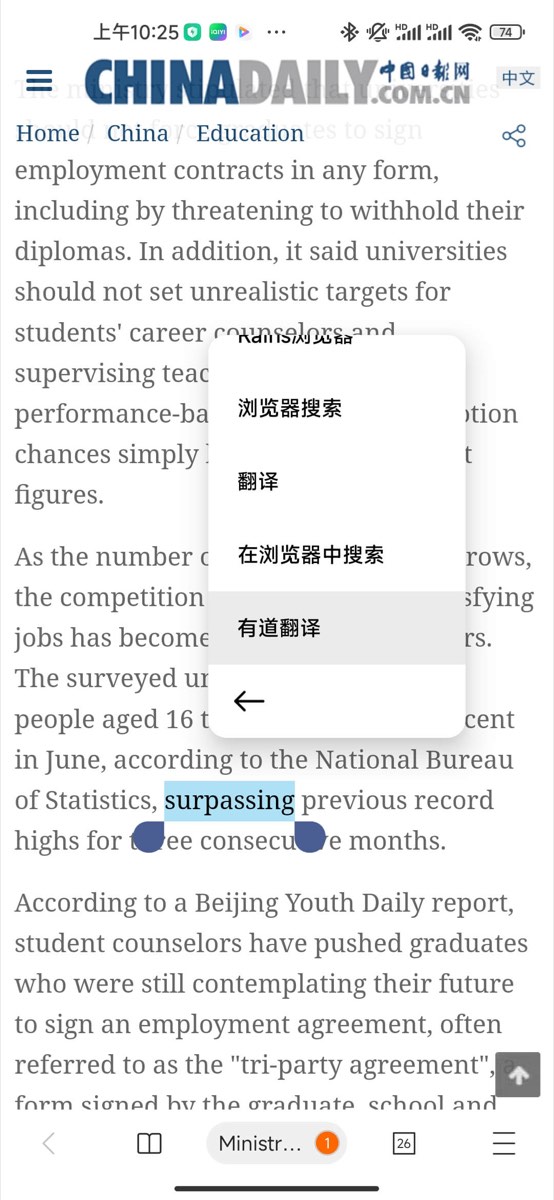
Next, you can find installed dictionary apps in the text selection toolbar menu.
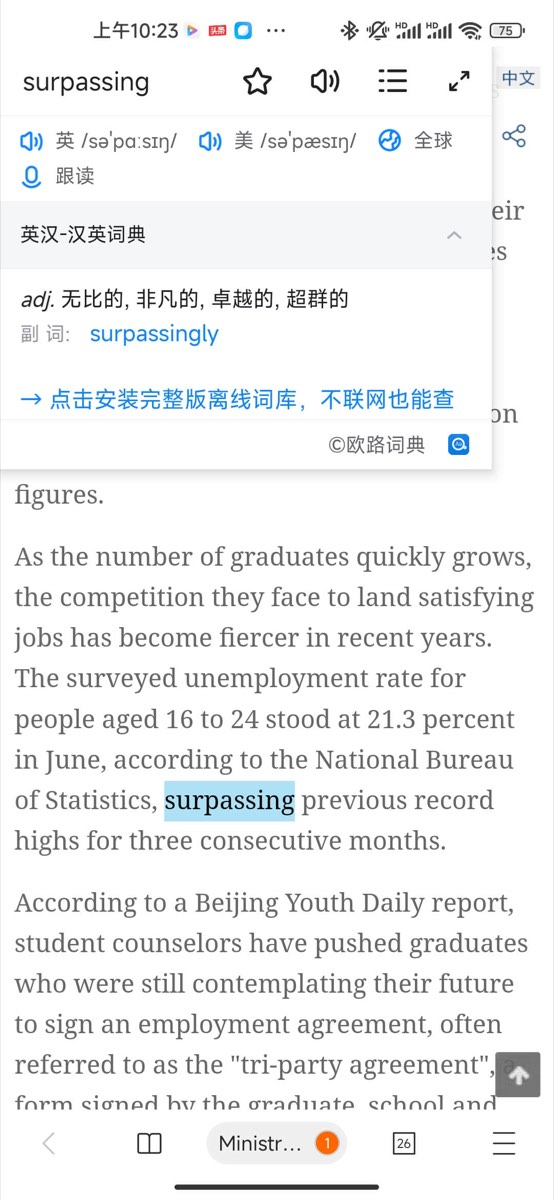
Below is the usage effect of Eudic Dictionary.
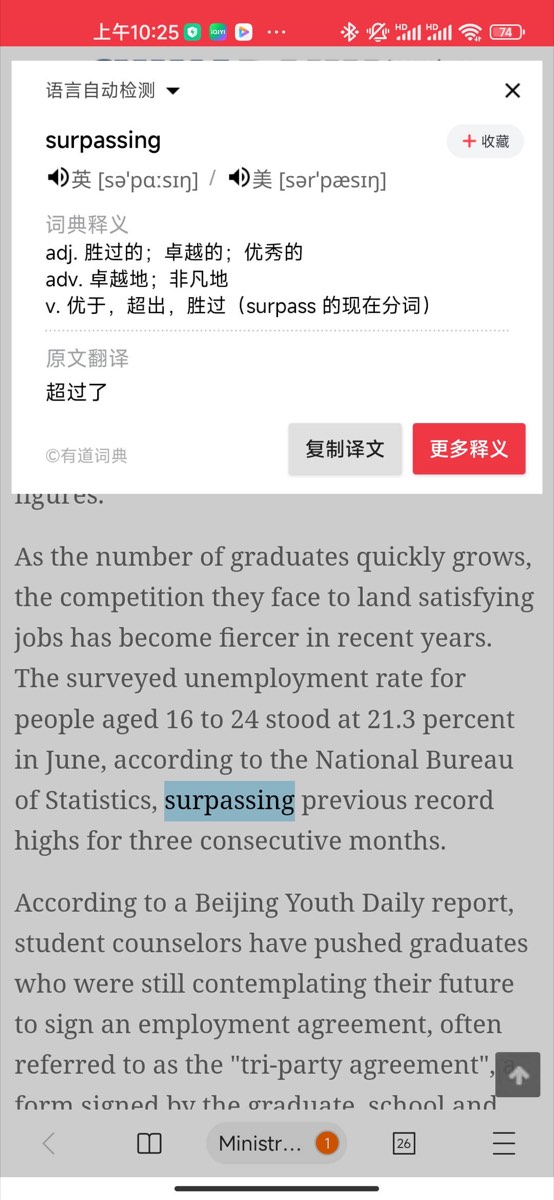
Below is the usage effect of Youdao Dictionary.
FAQ (Troubleshooting)
- Can’t find Eudic/Youdao entry in toolbar: Please first confirm the app is installed; some systems require manually enabling the corresponding app entry in “Share/Text Selection Menu”.
- Can only translate very short content: This method is usually more suitable for word lookup/short sentence translation; if you need full text translation or bilingual reading, it’s recommended to use script solutions (see below).
- Want bilingual reading: You can try userscripts (such as Immersive Translate).
By the way, if you don’t want to install bulky third-party apps, you can also use userscripts that support bilingual reading: Immersive Translate and Bilingual Web Page Translation, which can also meet your needs.